Microsoft Reader and .lit eBooks
Microsoft Reader is gone, but unprotected .lit eBooks still open fine. The free program Calibre reads them and converts them to EPUB or PDF.
MSLit started in the early 2000s as a catalog of Microsoft Reader eBooks, the .lit format that ran on Windows and Pocket PC. Libraries and teachers linked to its list of free books for years. The format faded, so today MSLit offers the same idea in formats that work everywhere, EPUB for e-readers and phones and PDF for printing.
What is a .lit file?
A .lit file is an eBook in the Microsoft Reader format. Microsoft introduced it in 2000 for Windows PCs and Pocket PCs. Many .lit files were sold with DRM, others were free and unprotected.
Can I still download Microsoft Reader?
No. Microsoft announced the end of Microsoft Reader in 2011 and stopped offering the download in August 2012. Old installers still float around, but they are unsupported and may not activate.
How do I open a .lit file today?
Install the free program Calibre and add the .lit file to its library. Calibre reads unprotected .lit files and converts them to EPUB, PDF or the Kindle format in a few seconds. Files with Microsoft DRM cannot be converted.
How do I convert LIT to EPUB or PDF?
In Calibre select the book, click Convert books and choose EPUB or PDF as the output format. EPUB is best for e-readers and phones, PDF for printing.
Free books that used to be on MSLit
The most downloaded titles in the old catalog included The Time Machine and The War of the Worlds by H. G. Wells. Both are here again, free in EPUB and PDF.
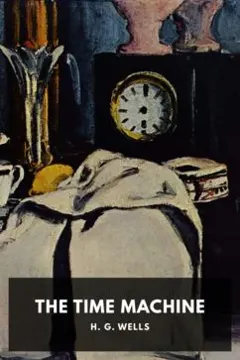 The Time MachineH. G. Wells
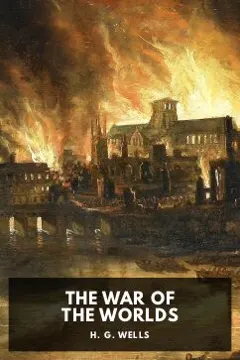 The War of the WorldsH. G. Wells
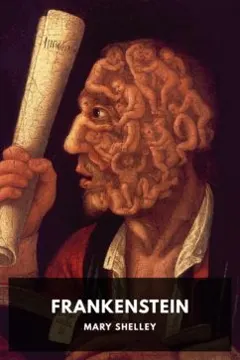 FrankensteinMary Shelley
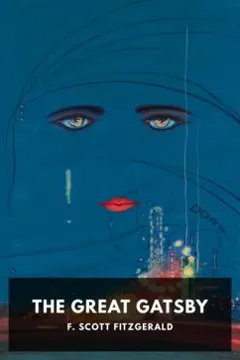 The Great GatsbyF. Scott Fitzgerald
 Pride and PrejudiceJane Austen
 DraculaBram Stoker